Next MTD quarterly update deadline: 7 November 2026.
For the 2026 to 2027 tax year, HMRC lists the next quarterly update deadline as 7 November 2026. The update is a cumulative summary created by compatible software from digital income and expense records.
against current GOV.UK guidance.
Important: MTD Ledger UK is not HMRC-compatible submission software. It is a lightweight Android record-keeping app for preparing income, expense and CSV records before accountant or bookkeeper review.
MTD quarterly update deadlines
HMRC currently lists the same four submission deadlines for standard and calendar update periods. The next deadline is 7 November 2026. Each update covers cumulatively from the start of the tax year or calendar accounting period to the end of that update period.
| Records covered | Update deadline |
|---|---|
| 6 April to 5 July 2026 | 7 August 2026 |
| 6 April to 5 October 2026 | 7 November 2026 (next deadline) |
| 6 April 2026 to 5 January 2027 | 7 February 2027 |
| 6 April 2026 to 5 April 2027 | 7 May 2027 |
Calendar update periods cover 1 April to 30 June, 1 April to 30 September, 1 April to 31 December and 1 April to 31 March, with the same 7 August 2026, 7 November 2026, 7 February 2027 and 7 May 2027 deadlines for the 2026 to 2027 tax year.
Preparation boundary: These are HMRC filing deadlines for updates sent through compatible software. MTD Ledger UK only helps you keep and export the underlying records. Confirm your exact obligation and deadline with GOV.UK, your filing software or a qualified adviser.
Are there late penalties for quarterly updates in 2026 to 2027?
HMRC says it will not apply penalty points for late quarterly updates during the 2026 to 2027 tax year. This does not remove the reporting requirement: the quarterly updates still need to be sent before the tax return can be submitted, and late tax return penalties still apply.
After the 2026 to 2027 tax year, HMRC says missed quarterly update deadlines can generate penalty points. Check the current GOV.UK penalties guidance rather than relying on an old deadline summary.
Can an MTD quarterly update be sent early?
HMRC says an update can normally be sent any time from the end of its update period until the deadline. If you do not expect to record any more transactions, HMRC also says it can be sent up to 10 days before the period ends.
If the business received no income and incurred no expenses during the latest update period, HMRC says an update must still be sent. Use HMRC-compatible software for that submission and confirm the current rule for your circumstances on GOV.UK.
Record-keeping boundary: MTD Ledger UK can help you review whether the underlying income and expense records are complete. It cannot decide when an update should be sent or transmit it to HMRC.
What is an MTD quarterly update?
GOV.UK describes quarterly updates as summaries created from digital records. Every three months, compatible software uses those records to total income and expenses for each relevant business or property income source.
That makes record quality the practical foundation. If income, expenses, categories and notes are incomplete during the quarter, the review and filing step becomes slower and more error-prone.
What should be prepared during the quarter?
Income records
Keep a dated record of invoices, sales, rent received, platform payouts or other income. Add notes that still make sense months later.
Expense records
Record costs as they happen, including category and reason. This makes review easier when a bookkeeper, accountant or software workflow needs totals.
Category review
Check that entries are grouped consistently before they are used for quarterly summaries or accountant review.
CSV handoff
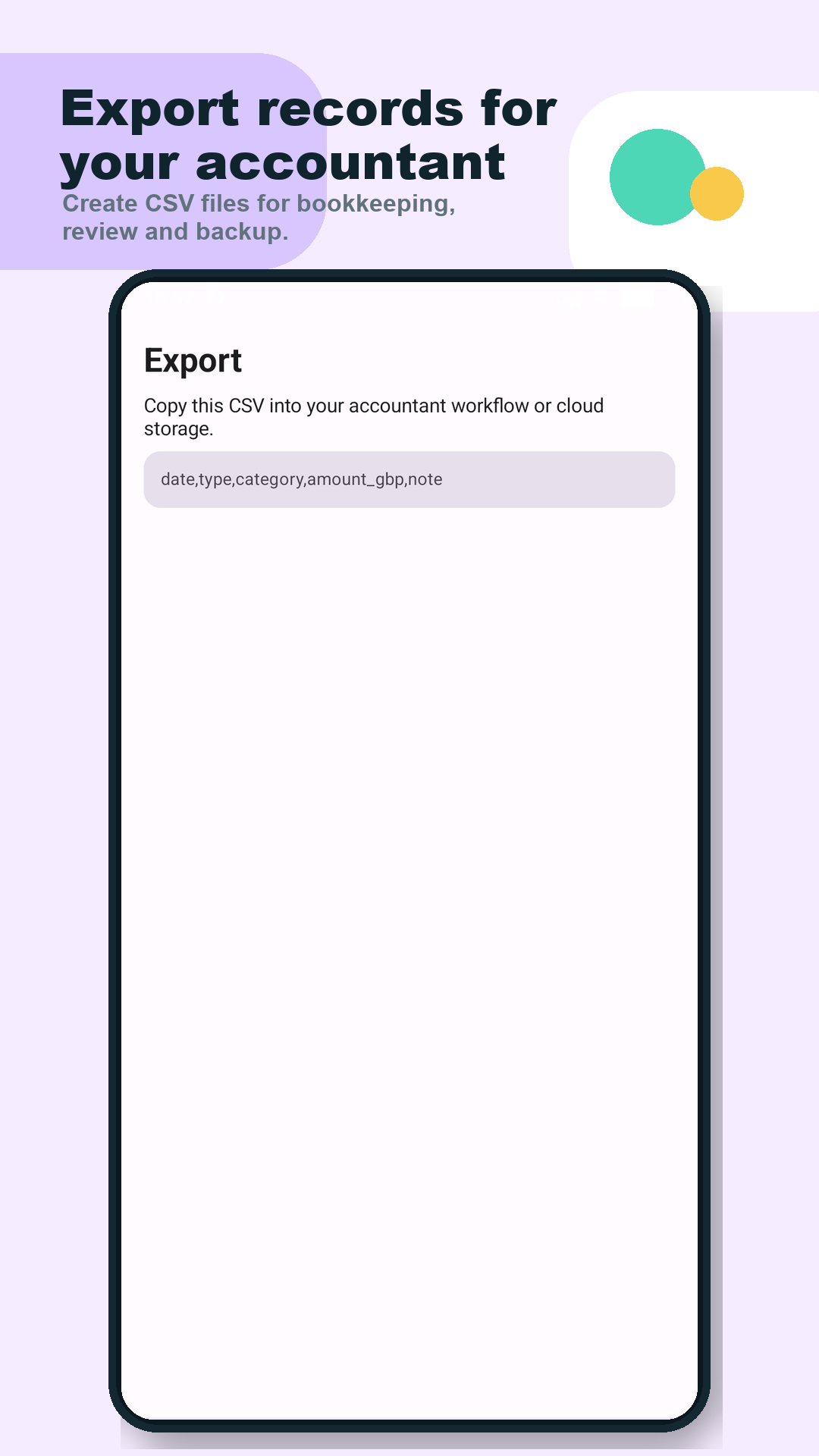
Export records so an accountant or bookkeeper can review the underlying entries before any formal filing decision is made.
Quarterly update workflow for small businesses
A simple workflow is enough for many people at the preparation stage:
- Capture income and expense entries each week instead of waiting until the quarter closes.
- Review dates, categories and notes before totals are needed.
- Check MTD deadline dates so the record review is not left too late.
- Export CSV records for accountant or bookkeeper review.
- Use HMRC-compatible software or professional support for any required submission.
Are the underlying records ready to review?
Tick each preparation step you have completed. This checklist covers record readiness only; it does not confirm whether a filing is complete or correct.
Use the checklist without rebuilding the ledger.
Add one real income or expense record in the free browser ledger instead of reconstructing it later. If the workflow fits, the Android app adds deadline dates, optional app lock and the optional Pro accountant export pack.
How MTD Ledger UK helps before review
- Capture income and expenses on Android without building a spreadsheet.
- Keep quarterly MTD deadline dates visible in the same app.
- Export CSV records for accountant or bookkeeper review.
- Use a focused ledger when full accounting software feels too heavy for daily capture.
What MTD Ledger UK does not do
MTD Ledger UK does not send quarterly updates to HMRC, does not replace professional tax advice and is not a full accounting suite. It is designed for the record-keeping stage: capture cleaner records, review them, and export them before filing decisions.
When do MTD Income Tax rules apply?
GOV.UK says Making Tax Digital for Income Tax is being introduced in phases based on qualifying income. Check the current GOV.UK guidance for your exact start date, threshold and whether you may be exempt.
If your qualifying income comes from self-employment, use the Making Tax Digital for sole traders record-keeping guide to organise business income, expenses and accountant-handoff records before each review.
If your qualifying income includes property income, use the Making Tax Digital for landlords record-keeping guide to see the rental income, property expense and accountant-handoff records worth organising before each review.

Prepare records on Android
Scan the QR code or use the Google Play button to try MTD Ledger UK.
Open Google PlayReferences
Read GOV.UK guidance on sending quarterly updates and finding out if and when you need to use MTD for Income Tax.